
Canon Pixma imagePROGRAF PRO 1100 Review – A Legendary Printer Line Gets Even Better

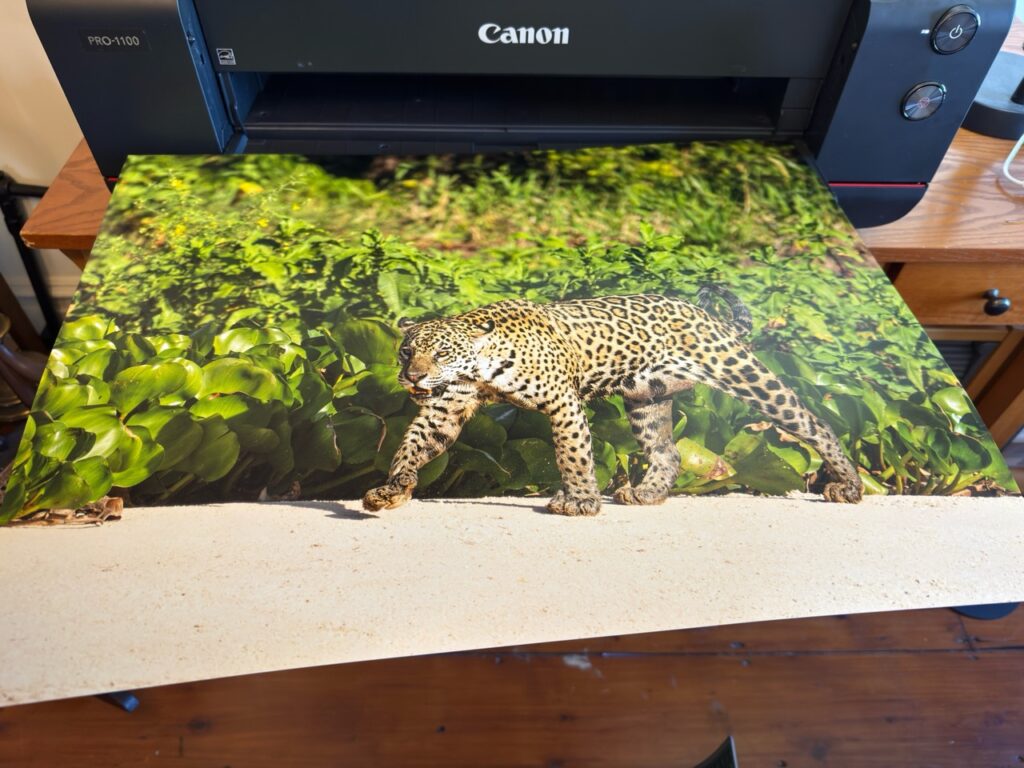
Table of Contents
 What’s Under The Hood
Watching the first print come off the Canon Pixma imagePROGRAF PRO 1100, I was struck by how unfortunate it is that photographers don’t really print the images anymore. Before the age of the smartphone, photo printer sales were as vibrant as the images coming out of them. Photographers would come home from a shoot, evaluate their pictures, and print the best ones. It reminded me of my start in photography, back in college.
Standing over a vat of chemicals in the darkroom of my school newspaper, I waited anxiously for the paper I dropped into it to transform from a blank sheet into a (hopefully) beautiful image. More often than not, it would reveal something mediocre. I hadn’t yet taken the hundreds of thousands of photos I have now, and I had about the skill level you’d expect for someone of my age.
I would hold the negatives up to the lone red lightbulb screwed into the ceiling fixture, find another shot to print, and load it back into the creaky, old Bessler enlarger. Expose, develop, evaluate, and start again.
The process of holding one’s images printed large made me a better photographer. Seeing what went right and what went wrong in a photo gave me what I needed to try again, but differently. Because I could expose a roll of film and then print from it just a little while later, it created a feedback loop.
Doing photo shoots in New York City during art school, I would take my E6 slide film to Carol Color Labs and wait for a rush development of a roll of film before running back to class. As soon as the box of slides was handed to me, I would spread them out on one of the light tables in the processing lab and check out my shots.
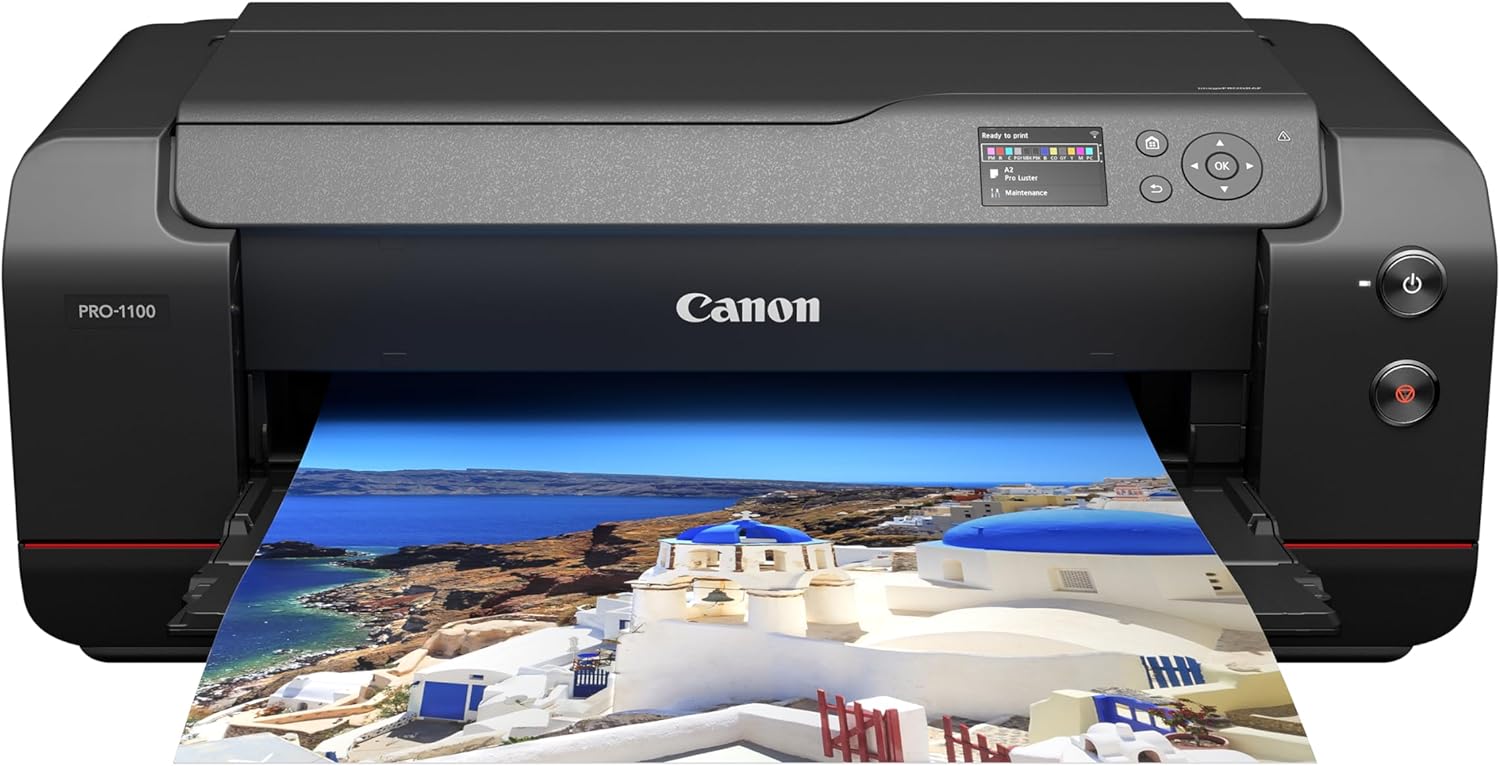
The Canon imagePROGRAF PRO-1100 is a 17-inch professional desktop photo printer that replaces the popular PRO-1000. It features the new LUCIA PRO II pigment ink system with 12 individual cartridges including 11 color inks and Chroma Optimizer for improved color accuracy, deeper blacks, and enhanced print longevity up to 200 years under proper storage conditions. The printer handles media up to 17 inches wide with borderless printing up to 17×22 inches and supports panoramic prints up to 129 inches long on paper up to 0.7mm thick.
- Improved LUCIA PRO II ink system delivers deeper blacks and enhanced color reproduction
- Large 80ml ink cartridges reduce running costs compared to smaller printers
- Extended panoramic printing support up to 129 inches
- Enhanced grayscale printing mode for neutral black and white prints
- 200-year print longevity rating with proper storage
- User-replaceable print head and maintenance cartridge
- Dual-band Wi-Fi (2.4GHz/5GHz) and multiple connectivity options
- No touchscreen interface, only a 3-inch LCD display
- No roll paper support, cut sheet media only
- Replacement print head costs $414
- Premium price for ink cartridges
- Large footprint requires a dedicated workspace
Many years later, photo printers became standard accessories for pro and enthusiast photographers alike. Everyone I knew had a photo printer sitting in their studio. After a shoot, they’d print one or more images for themselves or give a handful of prints to art directors. The process of going from shoot to print was part of the ritual of professional photography.
As I loaded a sheet of 17×22 Premium Luster paper in the Canon imagePROGRAF PRO-1100, I lamented how no one prints their photos anymore. They go from camera (or more likely phone) to social media, where they’re viewed on a screen smaller than a postcard. You can learn about your photography that way, but you can’t know as much as you can by tacking a photo up on your wall and really looking at it.
It reminds me that all photographers should really own a photo printer.
What’s Under The Hood
I’ll refer to the printer as the “PRO-1100” going forward, as the full name is descriptive but excessive.
Visually, the PRO-1100 resembles its predecessor, the PRO-1000, but there are significant improvements in the newer machine. The PRO-1000 was our printer of the year in 2015, which shows you how slow the development of printers can be.
The PRO-1100 uses Canon’s LUCIA PRO II ink system. Canon claims deeper blacks and better overall color reproduction, and the photos are indeed vibrant with deep blacks. Lacking the Pro-1000 to test it against, I can’t say if they’re noticeably better, but they are excellent.
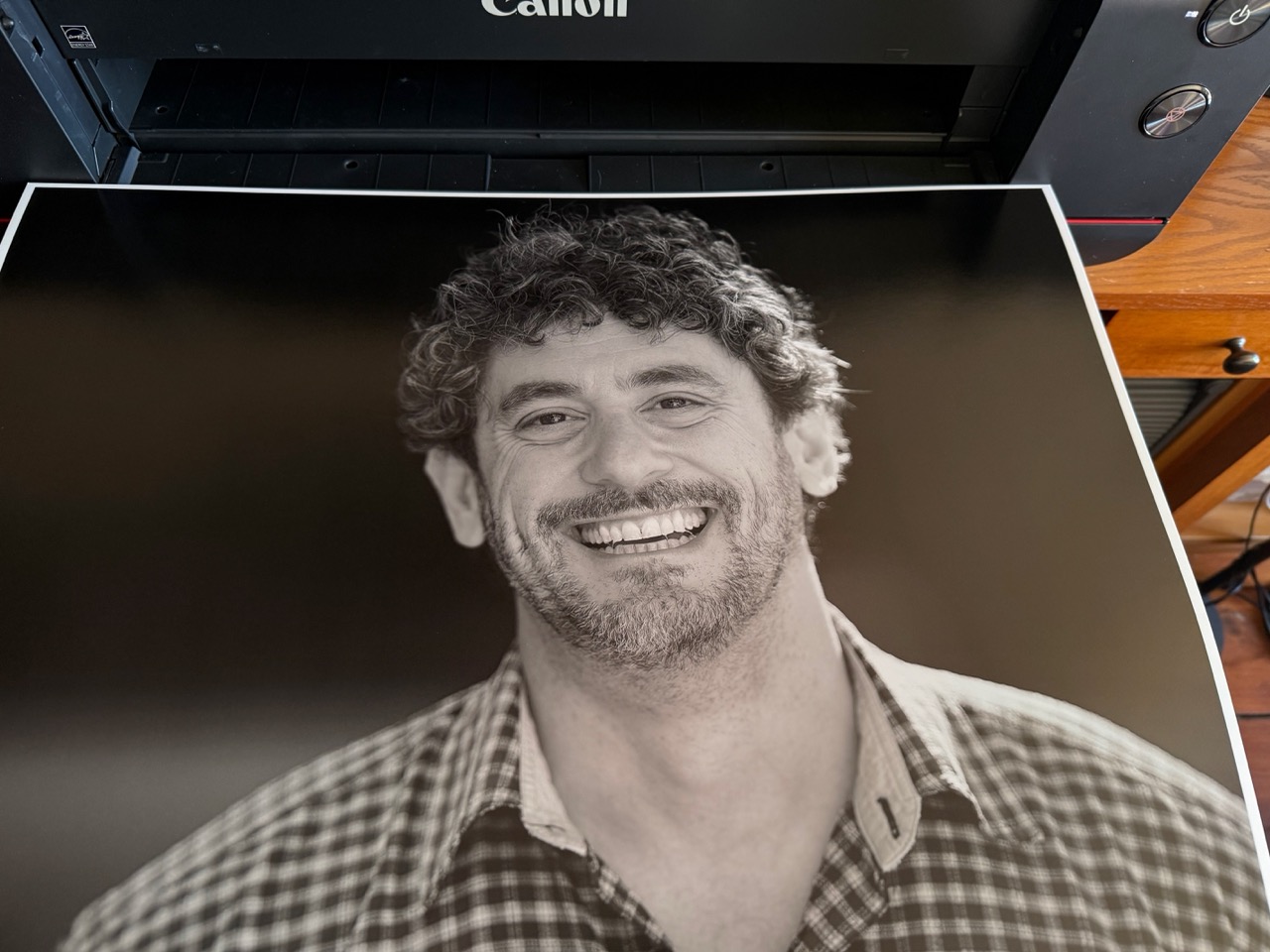
The 12-cartridge system has four dedicated monochrome inks: matte black, photo black, gray, and photo gray. Canon says black and white prints have noticeably better tonal separation than the PRO-1000, and again. At the same time, I can’t compare directly; monochrome prints look more like traditional prints than those of years ago.
The ink system includes a Chroma Optimers, a clear coating you can think of like the wax applied at the car wash. It’s designed to eliminate “bronzing,” the effect where a glossy print can start to look metallic in the dark areas under some lighting. It’s applied automatically on glossy and semi-gloss paper.
Canon says the prints will last up to 200 years in proper storage conditions, though I won’t be around to check on that claim. Canon performs aging tests, as output from the printer is often sold at galleries.
The printer handles paper up to 17×22, and, interestingly, panorama paper as well in a “straight” path. I use quotes there because printers like those from Epson have a completely flat paper path, eliminating any paper curving on the way to the plattens. Paper up to a bit over a quarter inch is supported, which lets the printer handle thick fine-art stock.
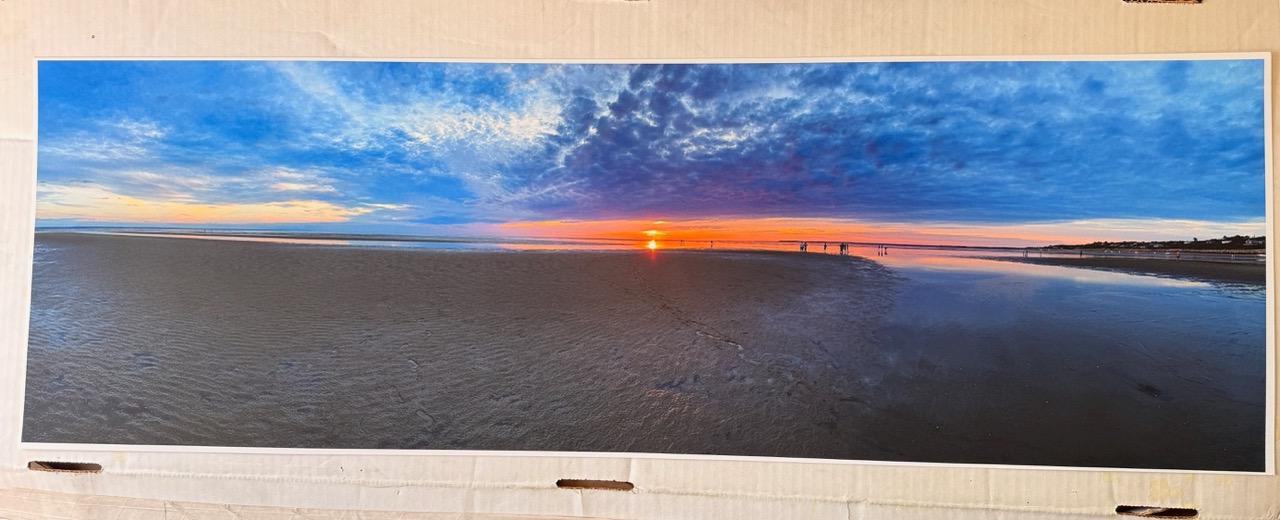
I used the straight path for panoramas, printing onto some fine-art paper that I’ve had since other printer reviews more than a decade ago. The printer can handle panorama sheets up to 129 inches long (that’s about 11 feet), although there’s no roll feeder on this printer to accommodate Big-Bird-sized panoramas. The inclusion of a panorama mode in smartphones makes it much easier to generate panoramas, so the panorama ability is welcome.
Canon says the L-COA PRO image processing engine (who names these things?) produces a 17×22 print in about four minutes, though that depends on whether you print in the better or faster modes. I rarely print in a quick mode, especially when printing to 13×19 or 17×22, though I will speed things up if doing 4×6 or 5×7 proofs.
The print cartridges in the PRO-1100 are 80ml, which is a decent size. The cartridges that come with the printer run out quickly, so be prepared to buy another set, which is about $775 for a complete set.
Cleaning and Scrubbing
There is an anti-clogging system in the PRO, eliminating the biggest headache of printers from when they first arrived. Clogs are common when printers sit idle for long periods of time. When I worked in a photo studio, one of my jobs was to turn the printer on every few weeks and run a calibration print to keep the heads clean. Even with the anti-clogging system, I’d recommend occasional prints in order to keep anything from drying out the print nozzles.
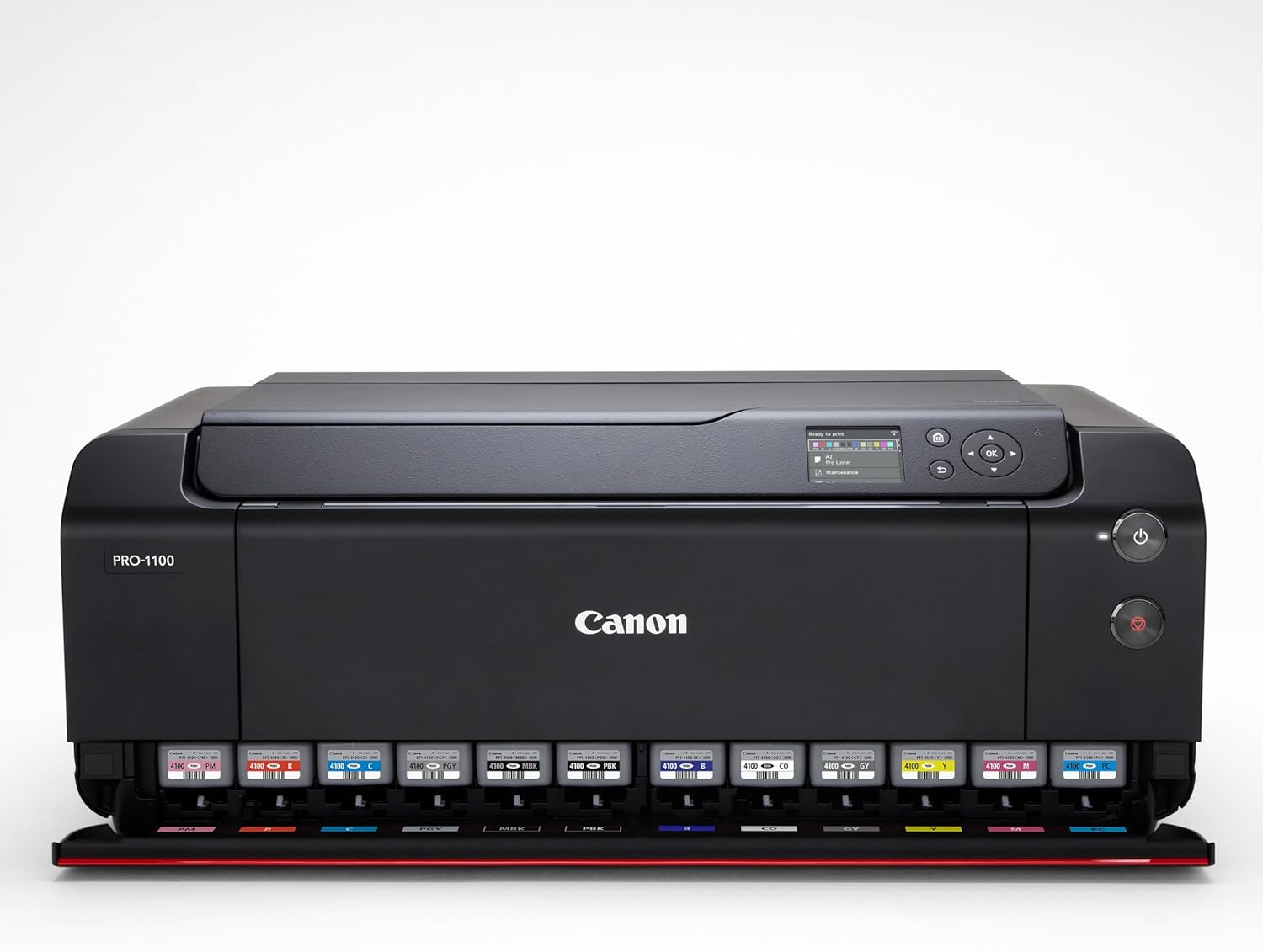
The print head itself is replaceable, and costs between $500-$700, while the maintenance cartridge costs $16. To save you pulling out a calculator, should you need to replace the complete set of inks, plus the print head and maintenance tank, you’re looking at $1,494. That’s $100 more than the printer itself.
So, you could buy a new printer to get access to the ink, print head, and maintenance tank, and sell the second PRO-1100. body to make a bit of extra money. I don’t recommend that from an e-waste standpoint, but it shows that the cost of owning and the cost of operating the printers are both high.
Design and Controls
The PRO-1100 is neither a small nor a dainty printer. It is a massive table-taking-up device. With the input tray closed, it measures 28.5 x 11.2 x 17.1 inches (or 72.4 x 28.4 x 43.4 cm) and weighs 71 pounds. My studio is up two long flights of stairs, and moving this printer is absolutely a two-person job.
When setting up the printer, you have to remember the space it will take if using the rear printer and that the paper tray on the front takes up just under 22 inches. The size of the front tray (the tray that prints slides out onto) is one of my pet peeves in this printer; it’s just a bit shorter than a 22-inch sheet of paper. The result is that the edge can curl over the lip of the tray, and when several pieces are stacked on top of each other, the paper can curl. Likewise, the input tray does not extend a full 22 inches, so paper there can curl as well.
If your printer can accept 22-inch media, anything that holds that media should measure the full length.
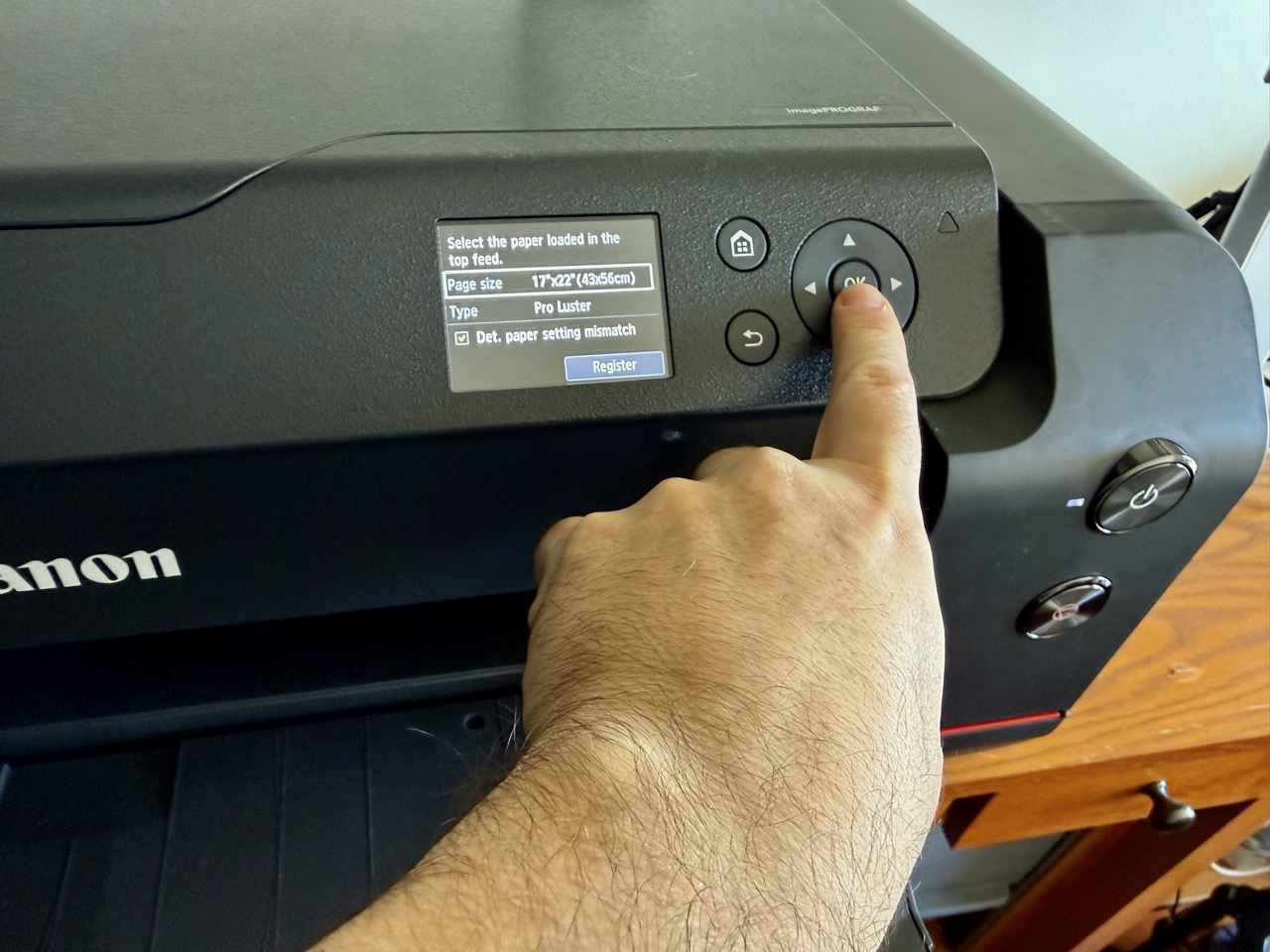
One of the biggest issues with the printer is the throwback control panel. The PRO-1100 is one of the few printers I know of in this price range that still uses a D-Pad rather than a touchscreen. Even the cheap multifunction printer in my office has a touchscreen.
Digging through menus, and there are plenty of menus, takes considerable time compared to touch displays. This might not seem like a problem, but it makes the printer that much less convenient to operate.
Many times, I found myself running back and forth between my computer (in my office) and my printer (down the hall) in order to perform a task like setting the correct paper type or size after I forgot to do so when loading the paper. Frantically mashing buttons is annoying at best.
Thankfully, the printer has WiFi, which is what allows me to have it down the hall without stringing a long Ethernet cable to it. The printer also has USB-C for those using it close to their computer.
Circling back to that control system, entering a WiFi password using down, up, left, and right buttons reminds me of entering combos in fighting games on console gaming systems, with more opportunity to get it wrong.
Configuration and Printing
For Mac users, the printer is immediately visible when connected by WiFi, Ethernet, or USB, and you can print immediately.
Do not do this.
Instead, head to Canon’s driver and support pages and download the Mac driver for this specific printer. Using the default Mac profiles can lead to mismatched paper sizes, printer errors (from those mismatched settings), and prints that come out at letter size even though they were set for much larger papers. I even made a panorama that printed a crop of the image vertically across the left side of the paper, leaving the rest blank.
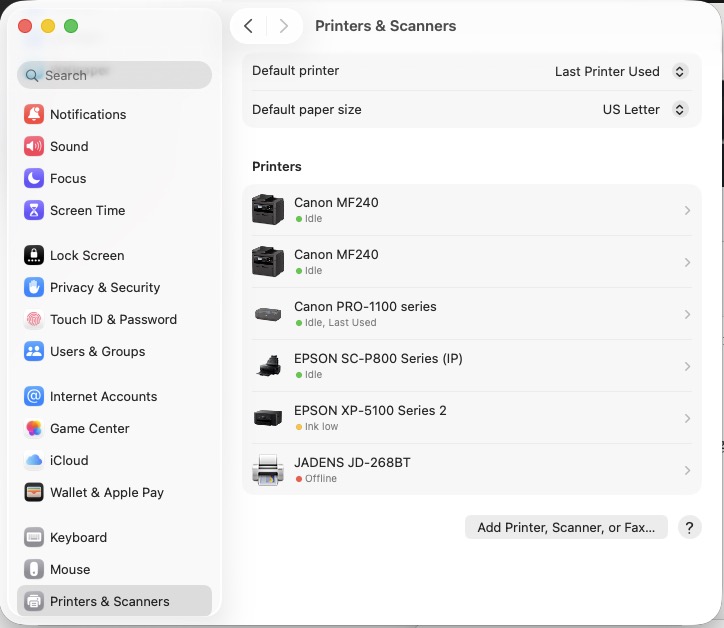
Printing is straightforward, unless you’re working in some popular apps like Photoshop or Illustrator, which have their own print systems. Generally, prints come out fine directly from these apps, but on a few occasions, I had to send a PDF to Apple’s Preview to get the paper and the image to match up properly.
Printing is claimed to be only as loud as 43db, which a quick Google search says is about as loud as a “babbling brook” or a “quiet refrigerator humming.” This is untrue. Printing may be quiet, but there’s a fan that runs to keep the unit cool (and perhaps to cause the vacuum that holds the paper in place while printing), which is distractingly loud. From down the hall and around the corner, I can tell when a print is done by the reduction in fan noise.
A printer doesn’t need to be silent, but the Epson that the Canon sits next to is quiet enough that I sometimes only know when a print is done because I happen to walk by it.
Print Quality
If the prints from the Canon PRO-1100 weren’t exceptional, it wouldn’t be worth the review. (I would be able to stop at “don’t buy this,” were that the case.
Of course, a printer is garbage-in-garbage-out, or more to the point, brilliance-in-brilliance-out. The PRO-1100 excels when the original photograph is well exposed and is either vibrant or, in the case of monochrome prints, exhibits excellent contrast.
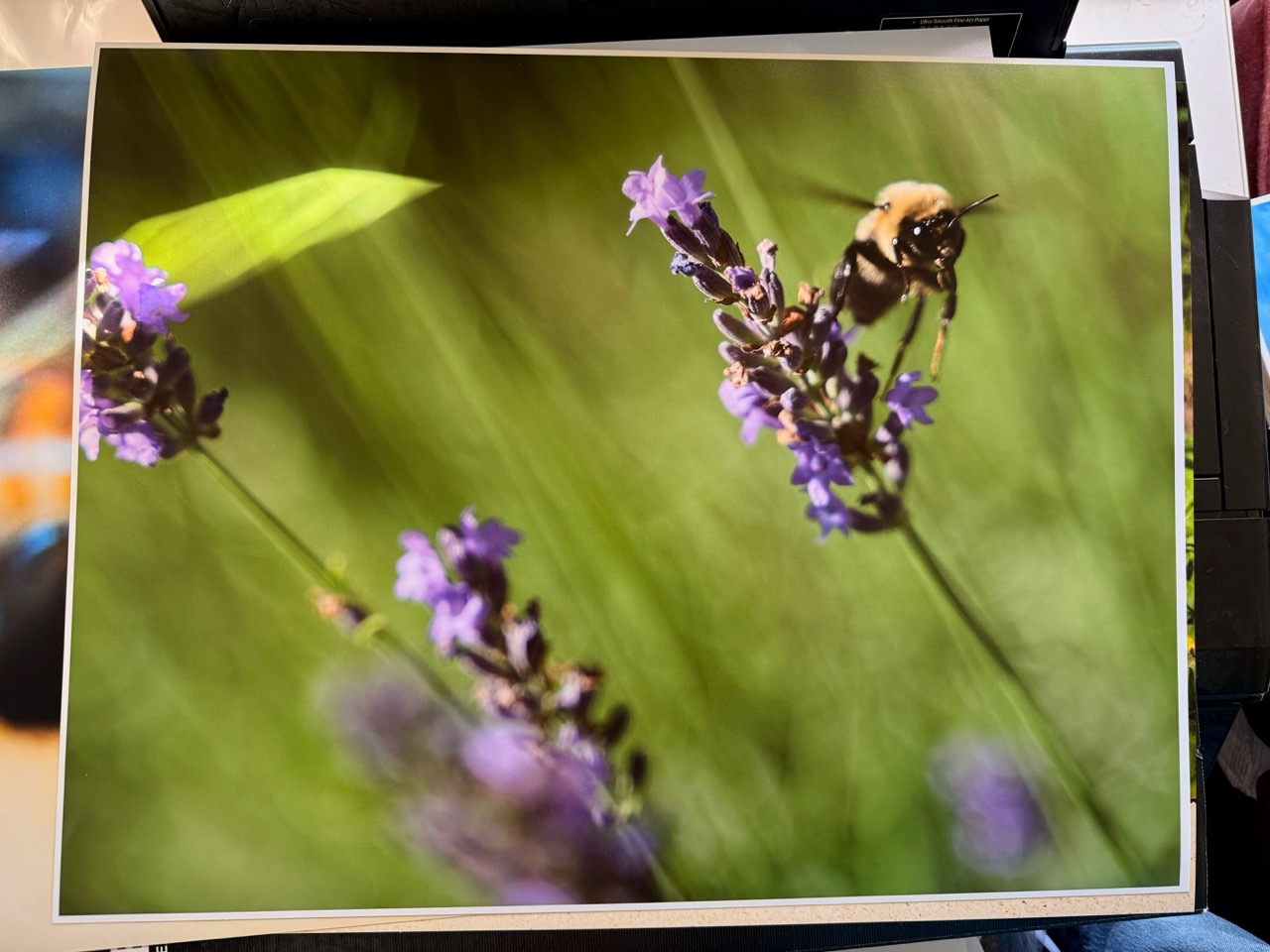
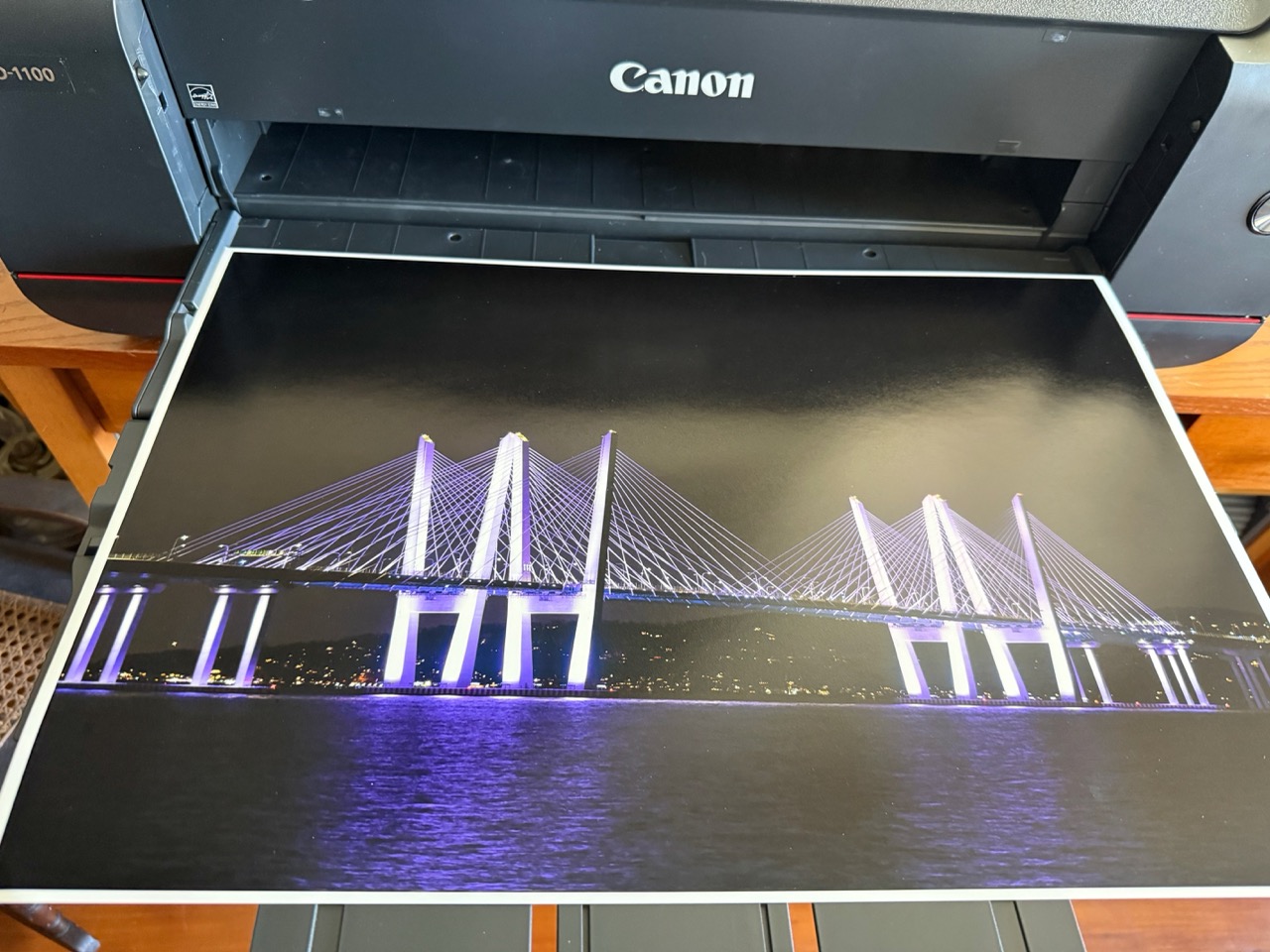
Prints are gorgeous, which is the only thing that really matters. A printer can be cumbersome to use, but if it makes great prints, well, that’s all you need.
The color prints are vibrant and jump off the page, and the colors are accurate, at least if you’ve calibrated your monitor.
The Final Word
I only review printers about once every five or six years, as printer development is glacial compared to camera development. Each time I review a printer, I generate a few dozen prints, and then at some point, I taper off in my printing.
That’s a shame because each time I test another printer, I remember how good they are. I don’t have a lot of need for wall-hangings or panorama prints.
But this time I’m going to keep using this printer, because sharing photos online has really taken me away from the true nature of photography.
At around $1,400, it’s not exactly cheap, but when it comes to wide-format printing, it’s right on the nose. The consumable costs are high, though that seems to be the case with printers from entry to the highest end, as this printer is.
The Canon Pixma imagePROGRAF PRO 1100 isn’t a perfect printer. Entering a WiFi password using arrow buttons or re-configuring the print dialog box to get output are two frustrating examples of how printers evolve, but mostly on the inside.
Luckily, the inside of this printer is fantastic, and for those looking for a 17×22 printer that fits (mostly) on a desktop, this is the printer to have.